Start with calendar authority
If missed plans and forgotten dates are the problem, Lubble is closer to the right category. A shared calendar can show dates, trips, anniversaries, birthdays, countdowns, and tasks in one place. That only works if both people treat it as the trusted schedule.
- Good fit: planning dates, trips, and shared events.
- Good fit: recurring couple tasks and countdowns.
- Weak fit: the couple already trusts another calendar.
Tasks still need ownership
A shared to-do list shows work, but it does not automatically assign the mental load. Someone still notices the task, decides when it matters, checks standards, and follows up. The app should make ownership clearer, not just prettier.
- Name the owner, not just the task.
- Keep one place for schedule decisions.
- You shouldn't duplicate the same to-do in multiple apps.
Diaries and photos need an exit plan
Lubble also presents photo sharing, diaries, and memos. Those can become meaningful couple records. Before using any app as a memory space, check whether exports, deletion, and access after unpairing are clear enough for the material you plan to store.
- Photos and diaries can be more sensitive than calendar events.
- Shared memories should be exportable if they matter.
- Private thoughts do not have to live in a shared organizer.
How BaeMax can help
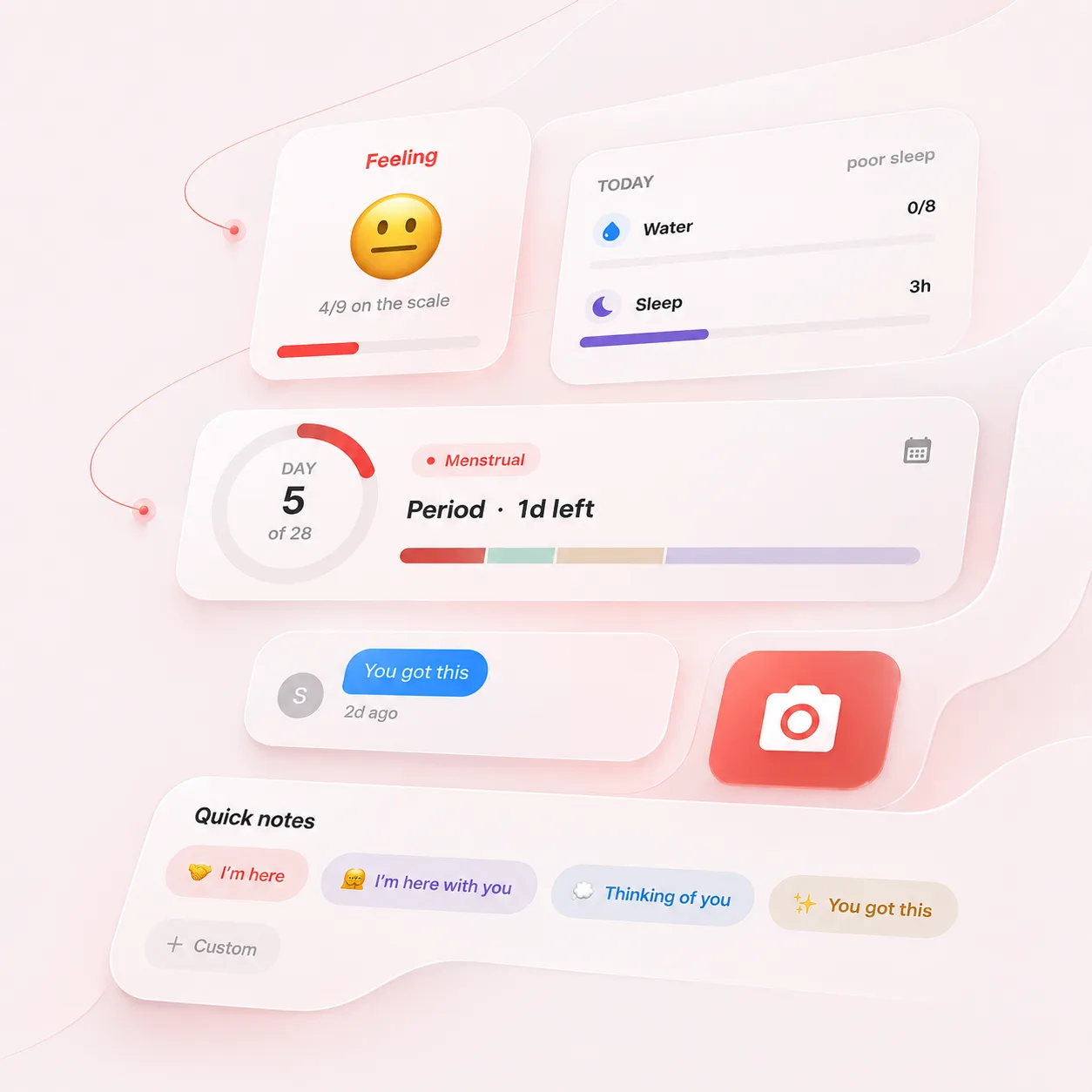
BaeMax fits when the calendar says what is happening but not what someone can handle. A dinner plan, chore, or trip may need to change because of pain, mood, sleep, cycle context, or overstimulation. That is energy information, not scheduling information.
- Use Lubble as the planner if scheduling is the need.
- Use BaeMax if support is the need.
- Keep the boundary clear so neither app becomes clutter.
A real plan-change moment
The calendar still says dinner at 7. BaeMax says low sleep, cramps and no-touch today. The plan can change from dinner out to takeout and quiet, without making the person explain the whole day from scratch.
- Lubble keeps the plan visible.
- BaeMax explains why the plan needs to soften.
- The partner gets one useful action, not a guessing game.
Check devices, price and data scope before moving the calendar
The current US App Store listing labels Lubble “Only for iPhone” and “Designed for iPhone. Not verified for macOS.” Its compatibility table separately says macOS 13 or later on a Mac with an M1 chip or later. That describes technical compatibility, not a verified Mac experience or separate desktop product. The listing shows monthly and yearly Lubble Plus purchases, so verify the deciding feature before rebuilding events. Apple's page also says the developer provided the privacy label and Apple has not verified it. That label says identifiers and usage data may be used to track users across other companies' apps and websites, with identifiers and usage data also linked to identity for advertising or analytics. Review the current label and developer policy before storing photos, diaries or memos.
- Treat iPhone as the verified platform and Mac compatibility as qualified.
- Check the live Plus tier for the deciding feature.
- Manually re-enter one week of events and to-dos before moving long-term memories.
Test Lubble as the shared calendar for one week
Lubble's current listing combines a couple calendar with shared to-dos, countdowns, photos, diaries, memos and stickers. The switch is worthwhile only if that combination reduces the number of places the pair checks. Rebuild one ordinary week and include a changed appointment, an unfinished task, a countdown and a neutral photo. Confirm whose personal events appear, whether edits are attributed and how incomplete work carries forward. The store listing is evidence of advertised features, not a guarantee that every migration or privacy edge case behaves as expected. Keep using the old calendar as the current schedule until invitations, time zones, repeating events and deletion have been tested. Choose Lubble for shared planning and memory features; choose BaeMax when the calendar already works and the missing information is why a plan needs to change. If both are used, place the revised event in Lubble and the optional personal context in BaeMax rather than duplicating the schedule.
- Test edits, time zones and incomplete tasks in one real week.
- Separate schedule facts from personal reasons for changing them.