Start by checking which Ovia you mean
Ovia can mean different things. Before comparing, check whether you are using the free consumer app, Ovia+ through an employer or health plan, the fertility app, the pregnancy app, the parenting app, or menopause-related benefits support. The answer changes what privacy terms and sharing rules you should read.
- Consumer app: read the app privacy policy.
- Employer or health-plan version: read the benefits and consent terms.
- Pregnancy, fertility, parenting, or menopause use: decide whether BaeMax even covers the job you need.
What BaeMax leaves out
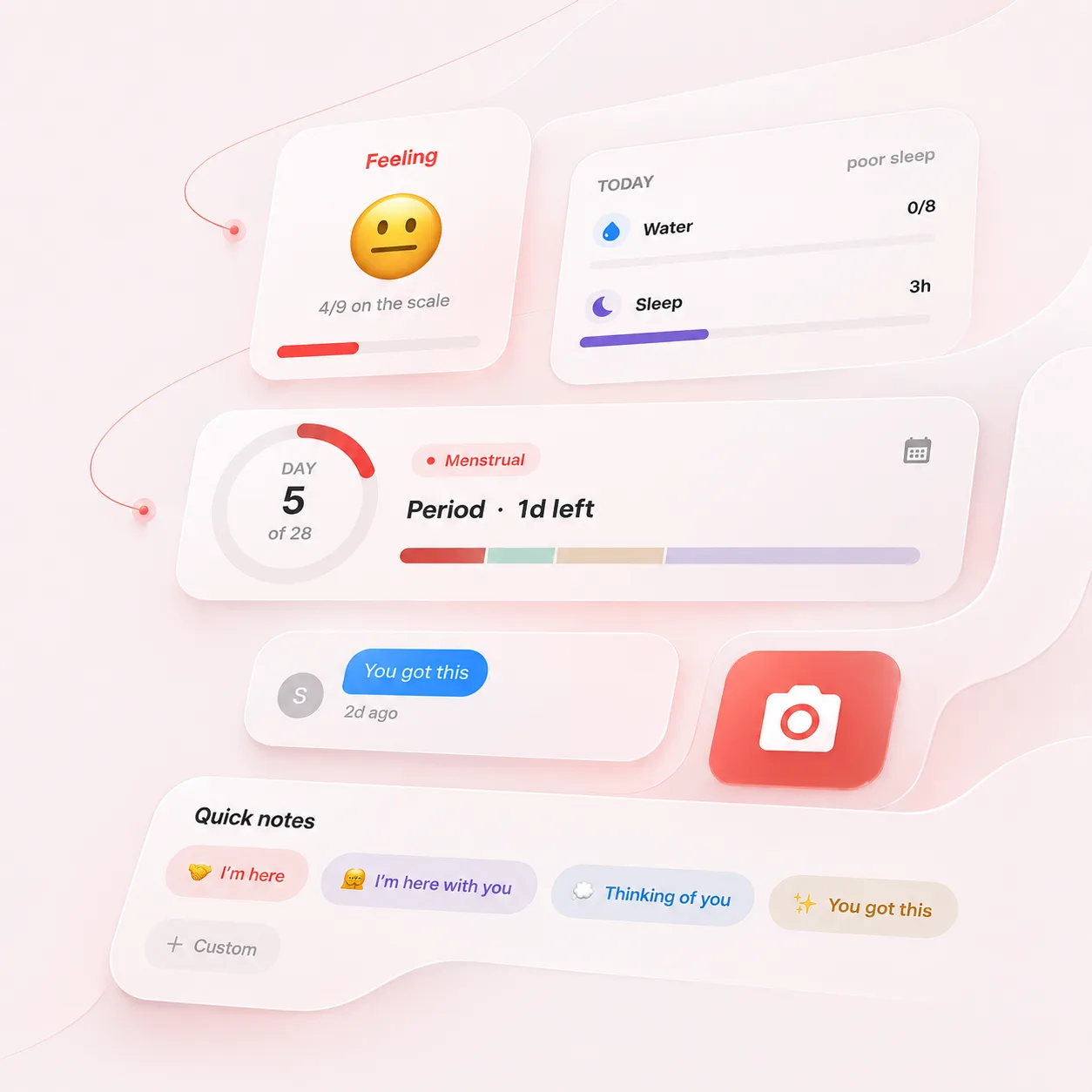
BaeMax doesn't provide pregnancy coaching, parenting content, employer benefits navigation, or health-plan programs. Its value is a smaller record: cycle tracking, symptoms, check-ins, and optional partner support.
- Good fit: you want a private cycle and support record.
- Weak fit: you need pregnancy, parenting, or benefits content.
- Keep workplace benefit tools separate from personal tracking if that boundary matters to you.
Employer connection is not automatically bad, but it changes what to check
Some people want benefits-connected care because it can feature resources, coaching, or plan-specific support. Other people would rather keep period and symptom tracking outside that relationship entirely. The right choice depends on what you want and what the current policy says. Choose Ovia for broad reproductive-health content or benefits support. Choose BaeMax for personal tracking plus a partner who can help when things are bad.
- Look for consent language around employer or plan sharing.
- Avoid storing details you would not want in that program.
- Choose the smaller app if all you need is a private log.
- Name the content you need.
- Decide whether benefits integration is helpful or uncomfortable.
- Keep clinical questions with qualified care.
Compare the exit paths before moving your history
The least visible difference between trackers often appears when you want to leave. Before entering months of cycle or pregnancy information, check whether each app can export dates and notes in a format you can keep, whether closing an account also removes program data, and whether an employer-sponsored version has a separate support route. If you already use Ovia, make a short inventory before switching: the dates you need for future appointments, current medications or questions, and any pregnancy or parenting content you still rely on. Move only the record that serves a future purpose. A screenshot can preserve a calendar view, but a structured export is easier to search and summarize. After confirming the new record is complete, follow the old product's current deletion instructions rather than assuming uninstalling the app closes the account.
- Find the export and account-deletion instructions for the exact Ovia product you use.
- Keep a dated copy of information needed for care, insurance, or personal reference.
- Verify the first few and last few entries after import or manual transfer.
- Recheck sharing and notification settings on the new app before adding sensitive notes.
- If benefits access may end with a job or insurance change, confirm which records remain available and whether the consumer app uses a separate account.